TL;DR: you can play the game here. This post is a lot of rambling about how I got there and why I made the (strange) choices I did.
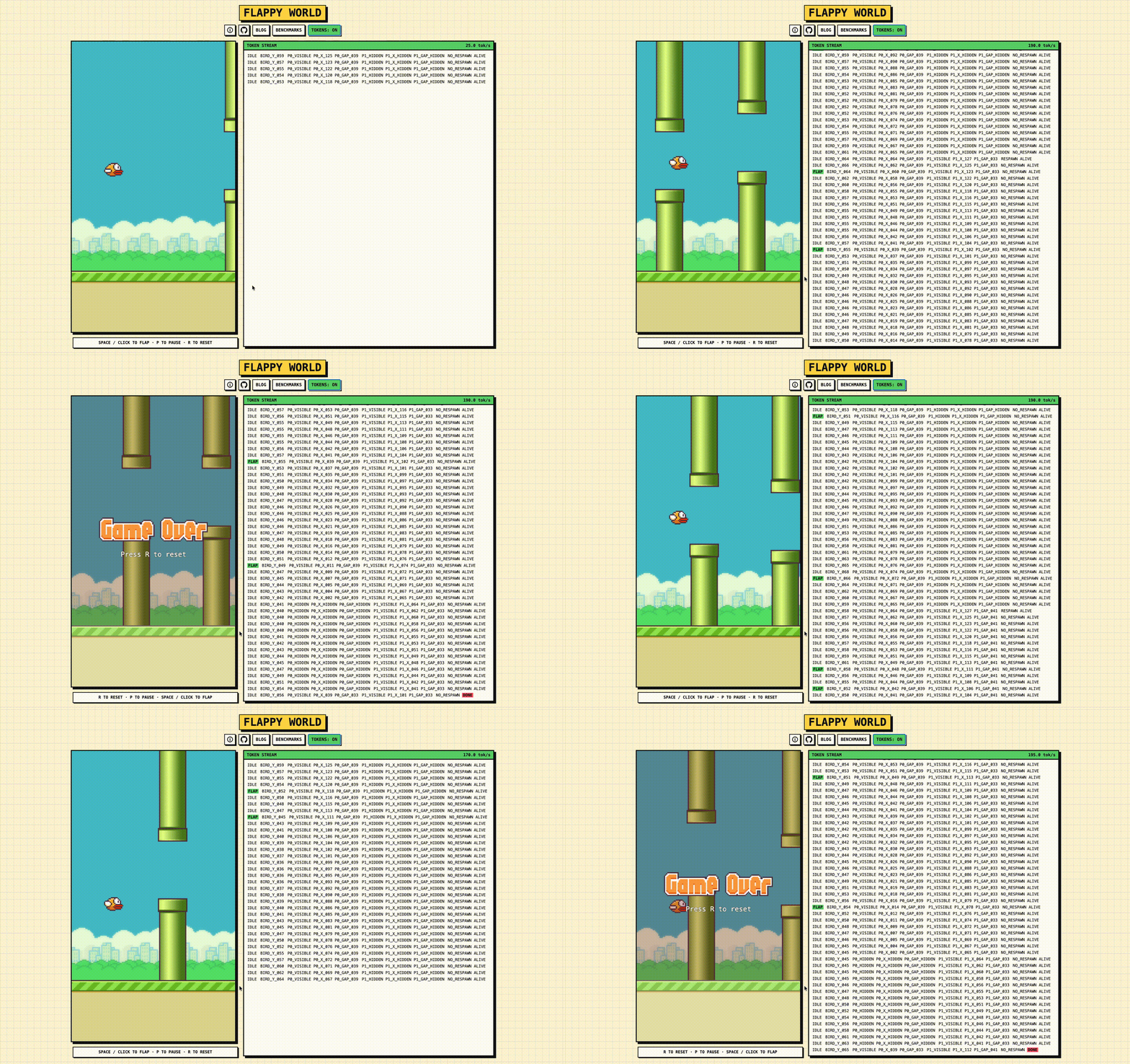
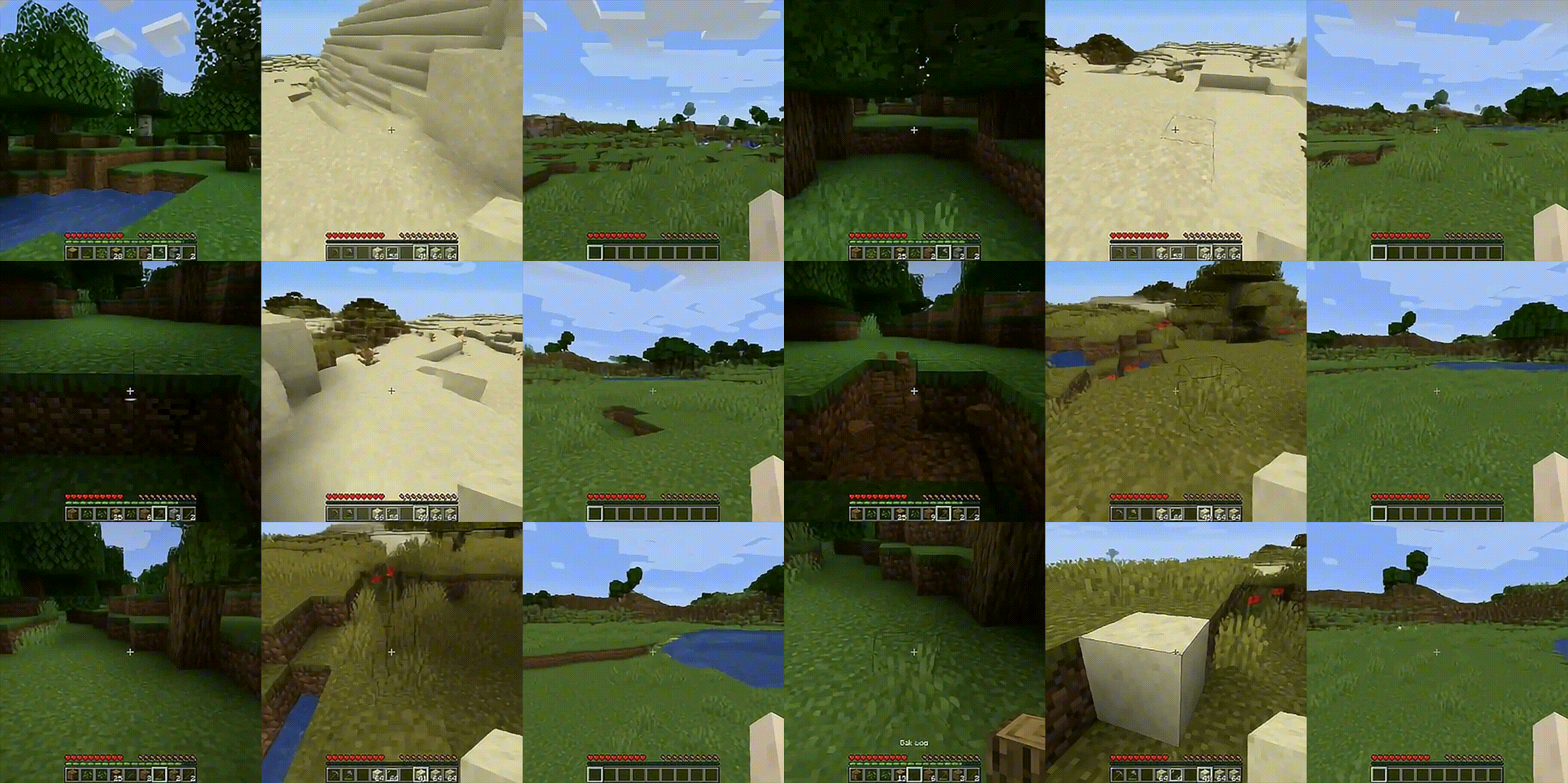
If you’ve read my previous blog post, you already know that my favorite hackathon archetype is building overengineered solutions to problems that do not exist. Shobhit Agarwal and I started this back in July 2025 at the KP Hackathon. We had seen demos of projects like Oasis, DreamerV3, and DIAMOND, and thought it would be fun to try a tiny version of that idea ourselves.
We picked Flappy Bird because it is small enough to understand, but still has enough structure to be annoying. There is gravity, actions, pipes, death, respawns, and long-horizon drift. It didn't quite work out back then -- but I had a few free days recently, so I decided to revisit it.
Before diving in, let me clarify the constraints I set for myself:
- no pixel-space data; vision-based game world models like DIAMOND already explore that direction (the game state here is low-dimensional enough that I can pretend this was a principled modeling decision)
- discrete game-state tokens; I wanted this to feel closer to language modeling than visual prediction
- no explicit velocity; the model should infer motion from previous positions and actions
- no hand-written physics in the rollout; the generated game should come entirely from the model
- real-time inference in the browser; I'm GPU poor, so people should be able to play it locally without me being involved
Formally, let's treat a Flappy Bird rollout as a sequence modeling problem. Let be the token sequence for the game state at frame , and let be the player action applied at that frame. The model sees the tokenized states from the last frames, along with the actions taken at those frames:
and predicts the token sequence for the next game state . At inference time, this is an autoregressive loop -- read player action, predict next frame state tokens, append to context, and repeat. Once we have the frame state tokens, we can render them on the canvas with a simple script.
Let's start with the token sequence itself. At its core, a single Flappy Bird frame contains very little information. There is a bird and there are pipes (we'll fix this at 2 for now). The only information we need about the bird is its vertical position. For each pipe, we need its horizontal position and the vertical position of its opening. There is also metadata, such as whether the player is alive.
We can make our lives slightly easier by fixing the gap opening size for the pipe, so the model doesn't need to predict both edges of the gap. It only needs to predict where the center of the gap is, and the renderer can infer the rest (note: the width of the pipe is also fixed). Our representation then becomes:


To actually represent these values, we need to map continuous values to discrete tokens. I first normalize each value to , then uniformly bin it. For a normalized value and bins, the bin index is:
In the deployed model, , get 128 bins and gets 96 bins. More specifically, instead of asking the model to predict a continuous value like , we (1) normalize it, (2) map it to a bin, and (3) ask the model to predict a token like . This gives us a short token sequence for every frame:
where each index is just the discretized bin for that field.
Okay, now that we have a token representation, let's try to generate some data to train our world model with. We need a healthy mix of good and bad episodes. Good episodes teach the model what normal gameplay looks like (pipes moving, the bird flapping through gaps, etc). Bad episodes capture what happens near collisions, deaths, and respawns.
For the good episodes, I trained a simple PPO policy in the Flappy Bird Gym environment to play it for me. It ended up being pretty decent: the mean score was ~21, median ~19, and a few runs reached the 90s. For the bad episodes, I made the policies worse on purpose: random actions, noisy PPO, doing nothing, playing normally for a bit and then giving up. In total, I collected 50k episodes, which became the training set.

The raw trajectories needed a bit of cleanup before training. There were a few details that caused problems during training.
Firstly, it was the hidden pipes. The environment stores values for pipes even when they are offscreen, but those values are not actually visible. So instead of tokenizing hidden pipes like normal pipes, I mark them explicitly. For example, the pipe tokens in the raw frame might look like:
but if is still offscreen, I rewrite it as:
Secondly, it was the respawns. Most of the time, pipe motion is smooth. But when a pipe re-enters from the right, its jumps and it gets a new gap, so I mark that frame with a respawn token.
For example, two consecutive frames might look like:
To make respawning more explicit, I add a and a token at the end of both frames. Putting this all together, the final frame representation looked slightly less elegant than the first version, but it definitely was more robust:
with the player action appended separately.
At this point, we have the representation and the data. Now it's time to talk about the modelling! Let's throw a standard autoregressive, decoder-only Transformer at it and hope the problem goes away. We can flatten each game state into token and use cross-entropy to train the model to predict the next token sequence.
This did not work very well. Maybe the inductive bias is wrong? Maybe discretizing a mostly continuous game state into tokens is a bad idea? Maybe predicting each token independently makes pipe respawns and collisions weirdly brittle? Who can say. In the spirit of scientific inquiry, let’s blame one thing at a time.
The first issue is that not all mistakes are equally wrong. If the model predicts a bird height bin that is off by one, that is much better than predicting something on the opposite side of the screen, but vanilla cross-entropy treats both as fully incorrect. To fix this, let's replace the hard one-hot targets with a local soft target over nearby bins:
where is the target bin. The loss then becomes
so nearby predictions are penalized less than distant ones.

The second issue is that not every token deserves the same say in the loss -- only a few tokens mark important transitions in the trajectory. In particular, the and tokens are rare, but getting them wrong derails the rollout completely. So we can upweight errors on done and respawn, while keeping the ordinary state variables like bird position, pipe position, and gap location at normal weight.
The combination of these two worked pretty well! On top of this, I was able to shrink the model down to ~420k parameters. The final model was a 3-layer, 4-head decoder-only Transformer with width 112, context length 384, global RoPE positional encoding, and an MLP with multiplier 3.
Okay, so now we have a tiny-ish model that can generate Flappy Bird states. The next question is whether we can serve it fast enough for the game to actually be playable. Our target is 20 FPS. Each frame is 10 tokens, so we need 200 tokens/sec. In other words, each token has to decode in 5 ms. In this workload, prefill only happens once. At the start, we give the model a real context window from an actual trajectory. After that, the game becomes a simple loop:

First, let’s try the most naive version (no KV cache, full recomputation every step). We’re running the model in the browser through ONNX Runtime Web, so the two practical backend options are WebGPU and WASM:


Unfortunately, neither backend gets us there with naive decoding. WASM looked promising, but the throughput drops off a cliff as the # of decodes increases (i.e. longer episodes will be an issue). So let’s try with a KV cache. We store parameters in , we have 3 layers with embedding size = 112. Thus, for each token, we can store both and in:
Our sequence length is , so our max cache size will be:
This is small enough to store in the browser (as long as we make sure to chop off KV values as they become irrelevant).


This works -- WASM crushes our 200 tok/s threshold! This was my first time running model inference in the browser, and I was not expecting WASM to beat WebGPU. My guess is that for a model this small, the CPU-GPU transfer overhead eats most of the benefit from GPU acceleration. There is some discussion about this online, but I couldn’t find a clean standardized benchmark for exactly this setup.
If you're curious how performance looks on your device, run benchmarks on your browser through the benchmark page!
We're almost at the finish line -- the last piece is writing the game loop.
To keep this clean, we can split the system into two loops. The main thread runs the browser loop at around 60 FPS and handles rendering on the canvas, input, and UI. The model runs separately in a Web Worker. Whenever the worker finishes generating a frame, it sends the completed state back to the main thread, and the renderer draws that state until the next one arrives.

Player input also has to respect the autoregressive boundary. If the player presses flap while the model is halfway through decoding a frame, we cannot splice that action into the current generation. That frame is already being decoded from a fixed context.
So, we queue the input instead. The main thread records the latest action, and the worker consumes it only after finishing the current frame. It then appends that action token, generates the next full frame, updates the KV cache, and sends the completed state back to the renderer. In the worst case, the input waits for one frame decode, which is acceptable for this toy game.
We can sum all of this up with a few serving invariants:
- Render committed frames only.
- Consume queued input only at frame boundaries.
- Keep history append-only so the KV cache stays valid.
With these constraints, the game loop stays responsive without ever showing partial model outputs or corrupting the autoregressive history!

Try the game out here :)
Overall, the model might still feel janky in places. There are obvious failure modes, but those can wait until the next time I decide to procrastinate on actual research. For now, I’m happy with this. The bird moves, the pipes move, and the whole thing runs in the browser.